
- TL;DR
- Photographing New Year’s Eve fireworks: why preparation matters more than your camera
- Finding the best spot: perspective, wind, and foreground
- Gear: what actually helps
- Camera modes: what is M mode, what is S mode?
- ISO, aperture, and shutter speed in plain English
- Good starting settings for fireworks with a camera
- Focus: why manual is almost always better
- Why you should often disable stabilization on a tripod
- RAW vs JPG: more headroom for highlights and color
- Burst shooting, bracketing, and stacking: more keepers, more options
- Photographing New Year’s Eve fireworks with a smartphone
- Smartphone settings (Pro/Manual)
- Smartphone gear
- Common mistakes and quick fixes
- What else to bring (easy to forget, very useful)
- Example shots (from real-world settings)
- Glossary
- FAQ
TL;DR
- Use a tripod, disable stabilization on a tripod in most cases, trigger with a timer or remote
- Focus manually (set focus on a distant point first), then do not touch it
- Camera: Manual (M) or Shutter Priority (S/Tv), start around 2-8 s, keep ISO low to moderate, adjust aperture depending on brightness
- Smartphone: Pro/Manual mode, long exposure if available, keep ISO low, enable RAW/DNG if possible
- Scout your spot during daylight, watch wind direction (smoke), include a foreground, bring spare power and a light
Photographing New Year’s Eve fireworks: why preparation matters more than your camera
Fireworks photography looks easy at first: point the camera, press the shutter, done. In reality, most shots fail for small reasons like missed focus, camera shake, smoke, or simply standing in the wrong place. The good news is that you can fix most of that with a few simple steps.
The core idea is almost always the same: you use longer exposures so the light trails draw nicely across the sky. Longer exposures require stability, controlled settings, and a focus that does not hunt around in the dark.
Whether you want to photograph New Year’s Eve fireworks with a smartphone or with a dedicated camera, being ready 15 minutes early, taking a few test shots, and choosing your location on purpose puts you ahead immediately.
Finding the best spot: perspective, wind, and foreground
When choosing a spot, look for:
- A clear view toward the fireworks, ideally without streetlights in the frame and without harsh glare from behind you.
- Wind direction: smoke is the enemy. If wind pushes smoke toward you, the sky quickly turns hazy and flat. If you can, position yourself so the wind carries smoke away from your viewpoint.
- A foreground: rooftops, a church tower, tree lines, or a ridge give the image depth. A completely black foreground often looks empty.
- Safety: do not stand too close to launch areas, do not set up on roads, and avoid private property. It sounds obvious, but it prevents trouble and reduces risk.
- Scout in daylight: visit your spot while it is still bright. You will know where to stand, which focal length fits, and how to set up quickly in the dark.
Practical tip: outside town, photos often look best when you include town lights in the frame. It instantly tells the viewer where the fireworks are happening and keeps the scene from turning into a black sky with random bursts.
Gear: what actually helps
You do not need a huge camera bag. A few items matter a lot on New Year’s Eve.
| Gear | Why it helps | Alternative / backup |
|---|---|---|
| Tripod (or mini tripod for phones) | Sharp long exposures, no shake | Place camera/phone on a wall, backpack, railing |
| Remote trigger or 2-10 s timer | Avoid shake when pressing the shutter | Self-timer, burst mode |
| Spare battery / power bank | Cold drains batteries fast | Keep batteries warm in your jacket |
| Flashlight / headlamp | Setup and safety in the dark | Phone flashlight |
| Microfiber cloth | Moisture, haze, fingerprints | Clean cloth, careful with a shirt |
| Small rain cover | Mist, drizzle, condensation | Plastic bag + rubber band |
Camera modes: what is M mode, what is S mode?
For fireworks photography, you need control over shutter speed.
- M mode (Manual): you set shutter speed, aperture, and ISO yourself. This is the safest option because the camera is not constantly “correcting” exposure while the scene changes.
- S mode (Shutter Priority): you set shutter speed, the camera chooses aperture. This is practical when you want to react quickly, but in very bright fireworks your lens may hit its aperture limits.
- Optional if available: Bulb. The shutter stays open as long as you hold the trigger. This is great when you want to “collect” only specific bursts.
ISO, aperture, and shutter speed in plain English
These are the three controls you should understand:
- ISO: makes the image brighter, but increases noise. With fireworks, it often pays off to keep ISO from going too high.
- Aperture (f/…): a smaller number lets in more light, a larger number lets in less. Too wide open can blow out fireworks quickly.
- Shutter speed: the longer it is open, the more light trails you capture. But too long can overexpose the scene and make smoke dominate the frame.
Good starting settings for fireworks with a camera
Use these as a starting point and adjust based on how intense the fireworks are. The nice thing about New Year’s Eve is you can check shots instantly and fine-tune on the fly.
| Situation | Shutter speed | Aperture | ISO | Note |
|---|---|---|---|---|
| A few rockets, not much happening | 2-4 s | f/5.6-f/8 | 100-1600 | Clean trails, less risk of blown highlights |
| Heavy fireworks, “finale” | 1-3 s | f/8-f/11 | 100-800 | Shorter exposure so it does not turn white |
| Dark effects, very little ambient light | 4-10 s | f/4-f/8 | 400-3200 | Watch smoke and overall brightness |
Your own real-world numbers are perfectly reasonable too. Many scenes work well around 4-10 seconds depending on density, with ISO 800-3200 and an aperture somewhere between f/3.5 and f/6.3 depending on overall brightness. The key is not the “perfect” value, it is checking results and adjusting during the show.
Focus: why manual is almost always better
Autofocus is often unreliable with fireworks. In the dark it tends to hunt, fails to lock, and suddenly focuses “somewhere”.
A clean workflow:
- Pick a bright object far away (town lights, a streetlamp, a building).
- Focus and confirm sharpness (magnifier or focus peaking if available).
- Switch to manual focus so nothing changes.
- Do not touch the focus ring until you are done.
If you shoot from outside town, it often works well to focus on the town itself and take a few test shots before the fireworks start.
Why you should often disable stabilization on a tripod
Many cameras have in-body stabilization (IBIS) or lens stabilization (OIS). On a tripod, stabilization can cause micro-movements on some systems because it tries to correct motion that is not there. The result can be slight blur even though everything is mounted.
Rule of thumb: for long exposures on a tripod, turn stabilization off. If you are unsure, take two quick test shots with and without it and compare.
RAW vs JPG: more headroom for highlights and color
Fireworks are extreme contrast: bright bursts against a dark sky. RAW helps because you can:
- recover highlights more effectively,
- correct white balance cleanly,
- reduce noise with better results.
RAW+JPG is a good compromise if you want quick sharing but still archive RAW files. Just keep in mind your camera buffer can fill faster because it writes more data.
Burst shooting, bracketing, and stacking: more keepers, more options
- Burst shooting: you catch more “perfect” moments.
- AEB / exposure bracketing: useful if you are still unsure and want multiple exposures automatically. It is not required for fireworks, but it can help you learn quickly.
- Stacking: if you layer multiple frames in Photoshop or Affinity Photo, you can combine more bursts into one final image. Done well, it can look much more impressive than a single shot. With a solid workflow, you can also reduce noise.
Photographing New Year’s Eve fireworks with a smartphone
Smartphones can absolutely do it, but they are often tuned for heavy automatic processing. Sometimes that looks great, sometimes it fails. If your phone has a Pro or Manual mode, use it.
Smartphone settings (Pro/Manual)
- Start with low ISO (for example 50-200 if available)
- Shutter speed: test 1-4 seconds as a baseline, longer if the scene is dark and fireworks are sparse
- Focus: set to “far” or “infinity” if possible
- Disable HDR if it causes delay or unnatural results
- Enable RAW/DNG if your phone supports it
If you do not have a Pro mode:
- Night mode can work, but it blends multiple frames. That can soften fireworks or remove fine details.
- Use a tripod or at least a stable surface. Without stability, long exposure results are mostly luck.
Smartphone gear
A mini tripod with a phone clamp plus a Bluetooth shutter remote is almost half the battle. Without stability, long exposures are a gamble.
Common mistakes and quick fixes
- Everything turns white: shorten shutter speed or stop down aperture (camera). On a phone, lower ISO and shorten exposure time.
- Soft images: focus is off or you moved the camera. Use manual focus, a timer, and a tripod.
- Smoke takes over: change position or wait until wind clears it.
- Your screen lies: brightness on the display is not a reliable reference. If possible, check the histogram.
What else to bring (easy to forget, very useful)
- Warm gloves that still let you operate buttons
- A spare memory card
- A small bag for trash (wrappers, tissues, leftovers)
- Patience: some of the best shots do not happen on the first try
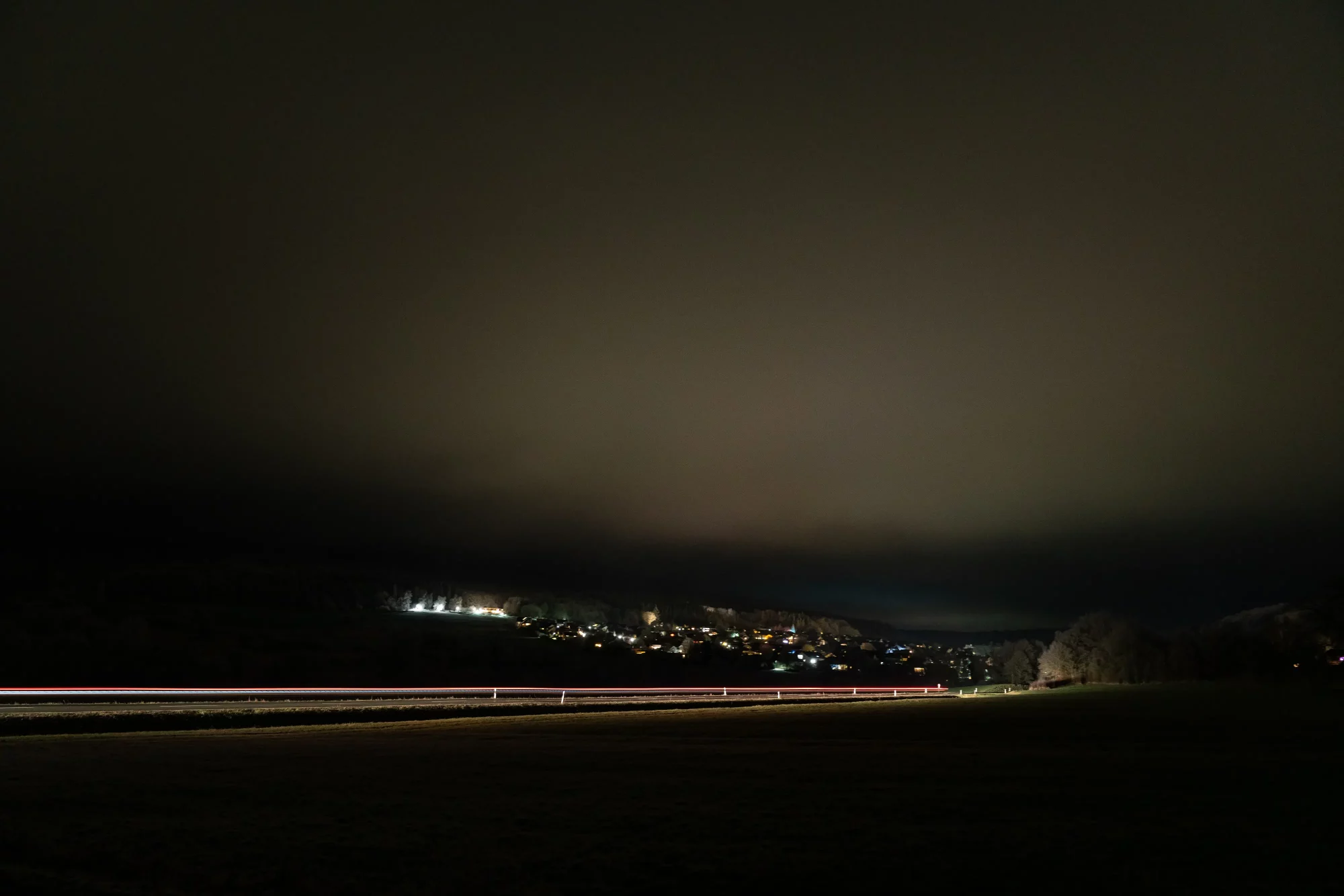
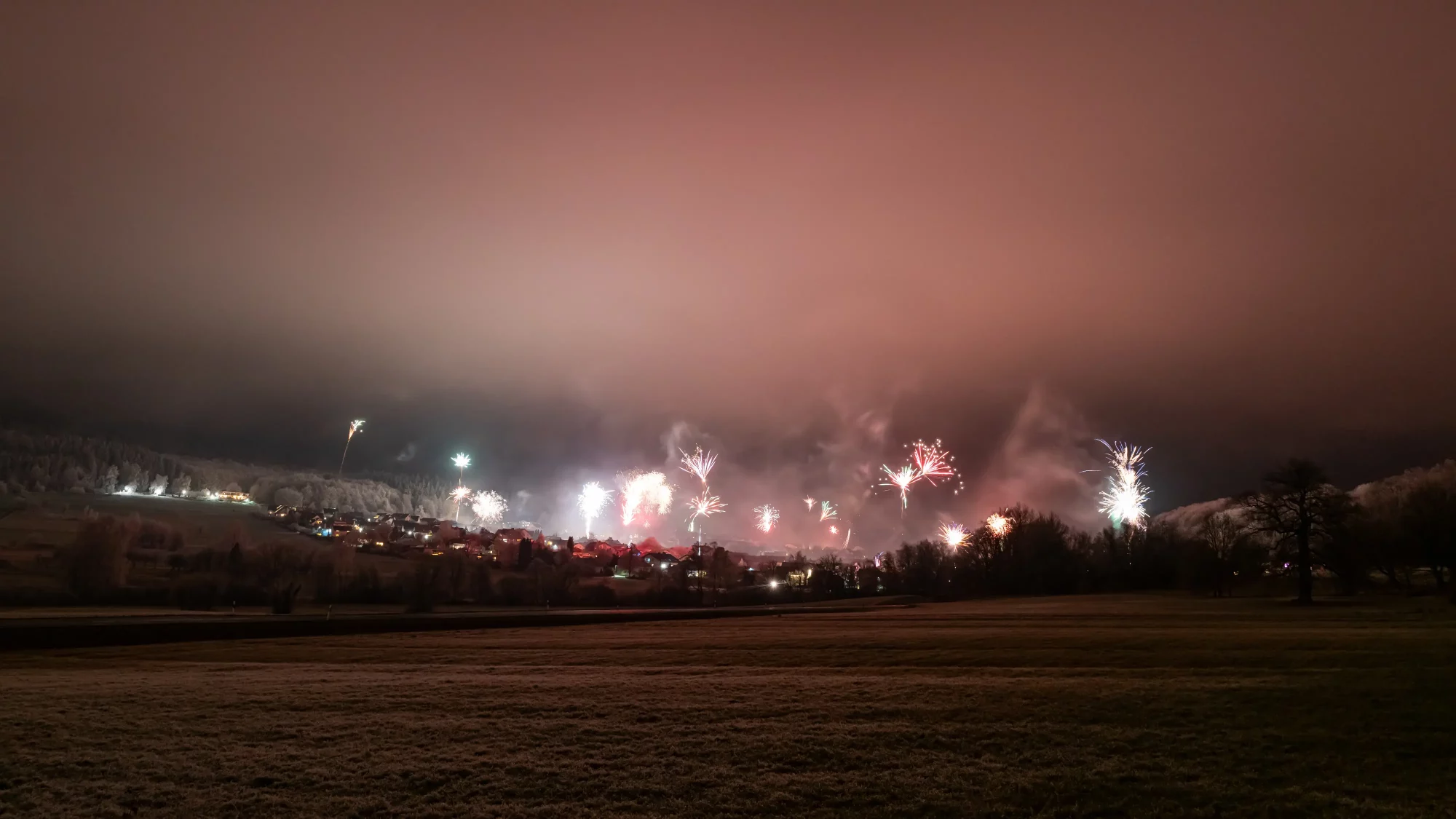
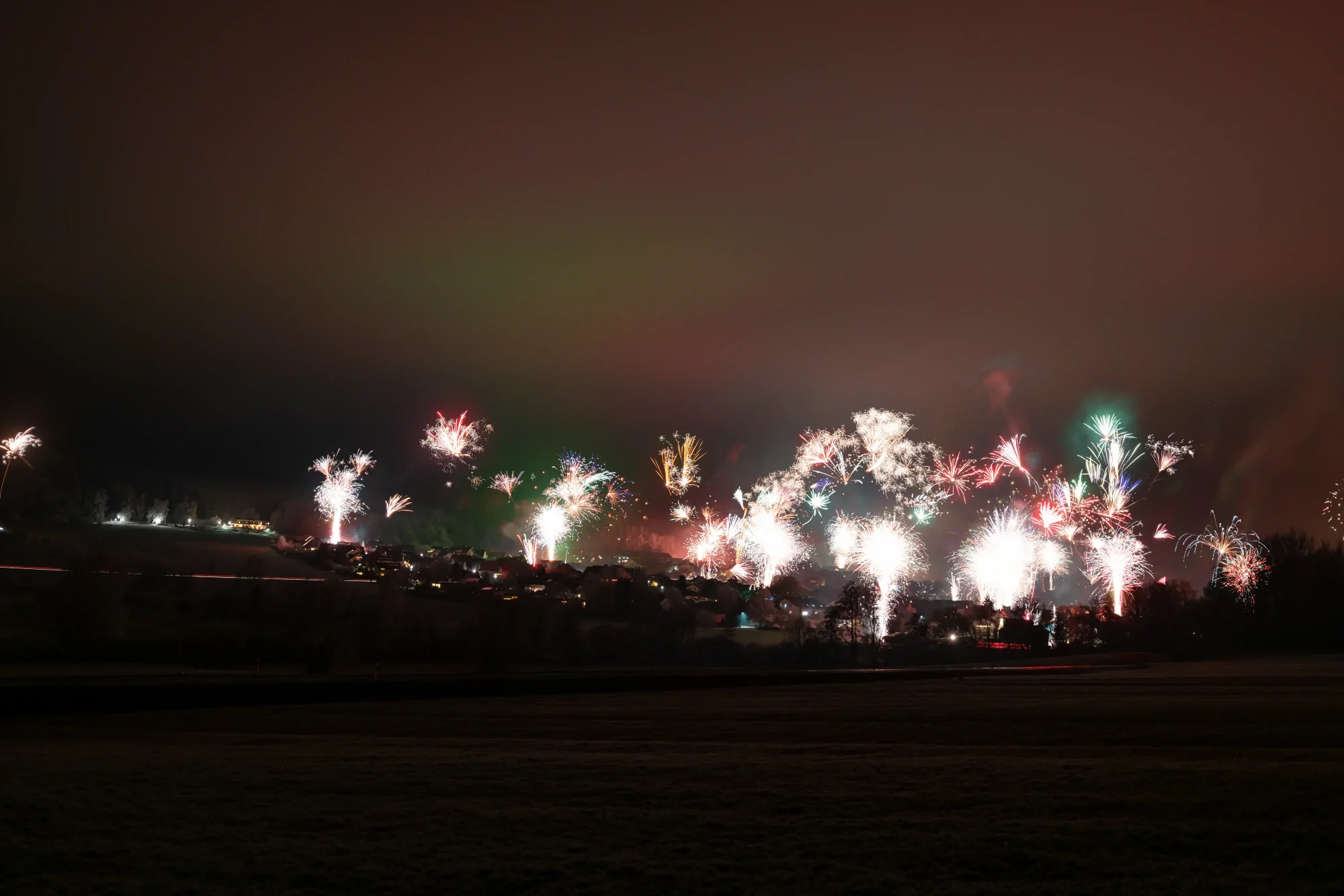
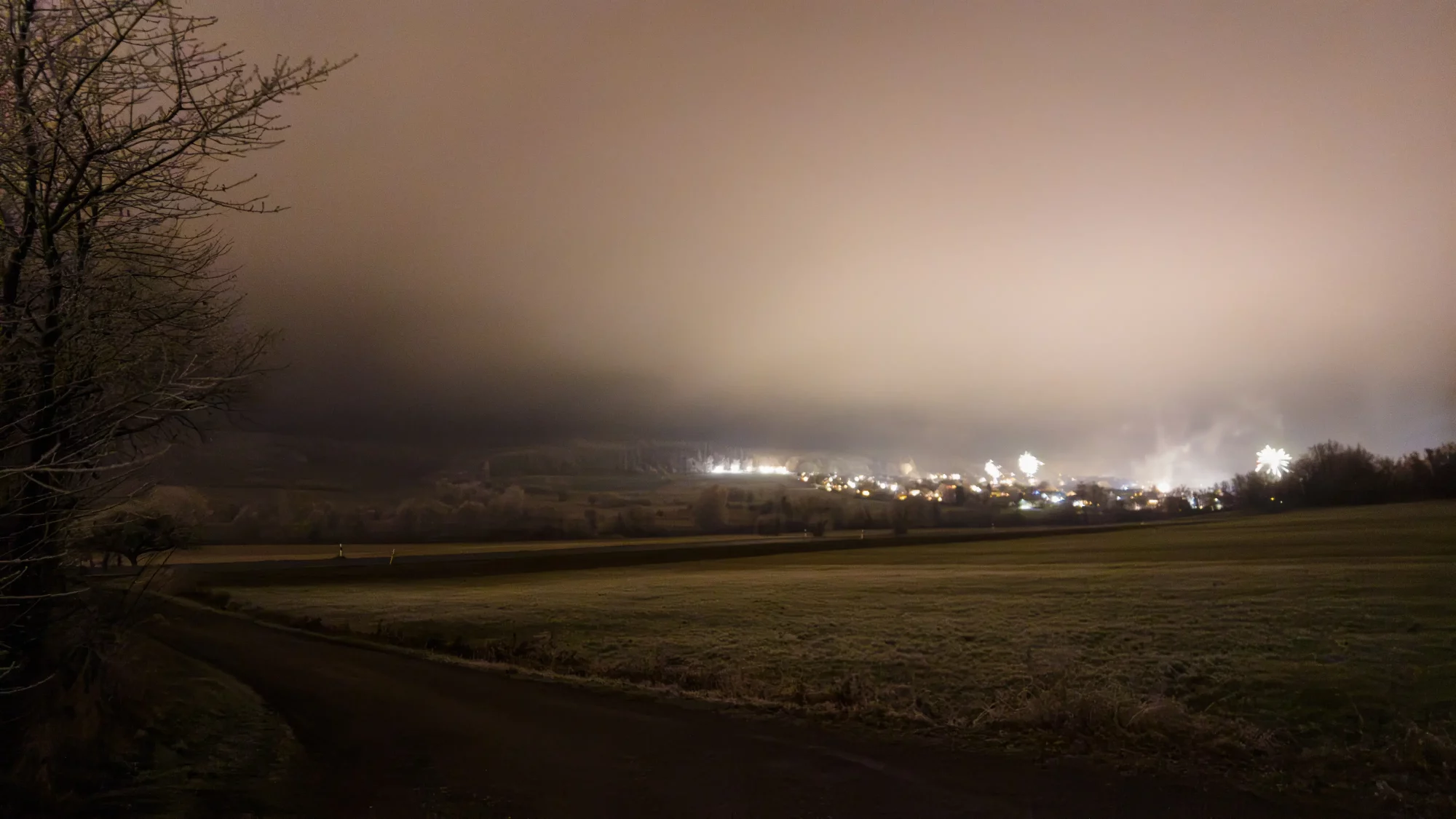
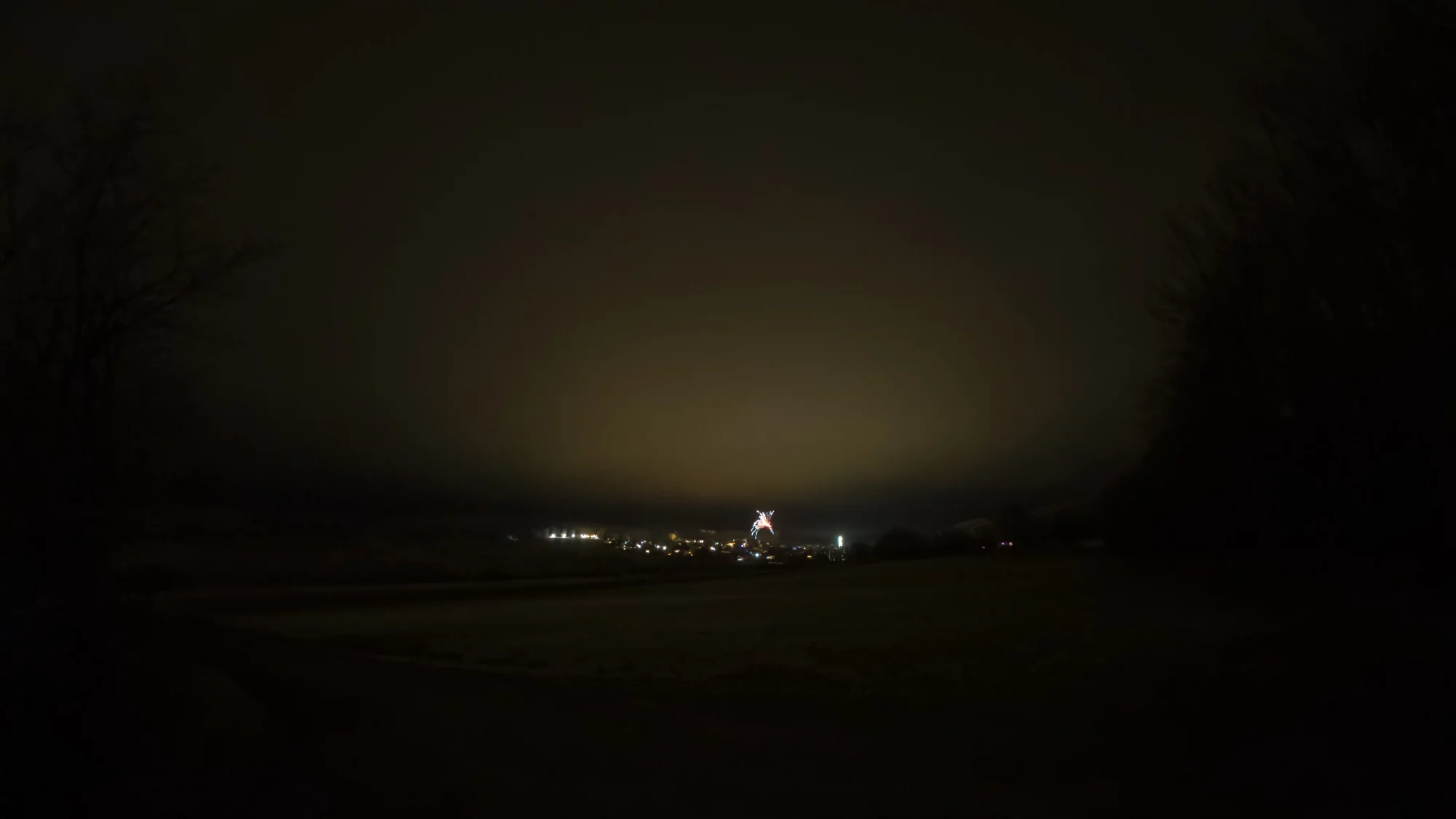
Example shots (from real-world settings)
Glossary
- AEB: Auto Exposure Bracketing, multiple images with different exposure levels
- Aperture (f/…): lens opening, smaller number means more light
- Bulb: shutter stays open as long as you hold the trigger
- IBIS/OIS: image stabilization in the camera body or the lens
- ISO: sensor sensitivity, higher means brighter but more noise
- RAW/DNG: unprocessed file format with maximum editing flexibility
- S mode (Shutter Priority): you set shutter speed, camera chooses aperture
- M mode (Manual): you set shutter speed, aperture, and usually ISO
FAQ
What is the best shutter speed for photographing New Year’s Eve fireworks?
A common starting point is 2-4 seconds. For very intense fireworks and finales, 1-3 seconds often works better. If there is not much happening, you can also test 4-10 seconds.
Which lens is best?
Wide angle is stress-free because you miss fewer bursts. A standard zoom is ideal if you want flexibility from the same spot.
Why are my photos blurry even on a tripod?
Often because stabilization is still enabled or because you shake the camera when pressing the shutter. Try turning stabilization off and use a timer or remote.
Can a smartphone really take good fireworks photos?
Yes, if you stabilize it properly and ideally use Pro/Manual mode. Without a tripod, long exposure results vary a lot.
Is editing worth it?
Absolutely. Fireworks benefit a lot from clean white balance, highlight control, and moderate noise reduction.


